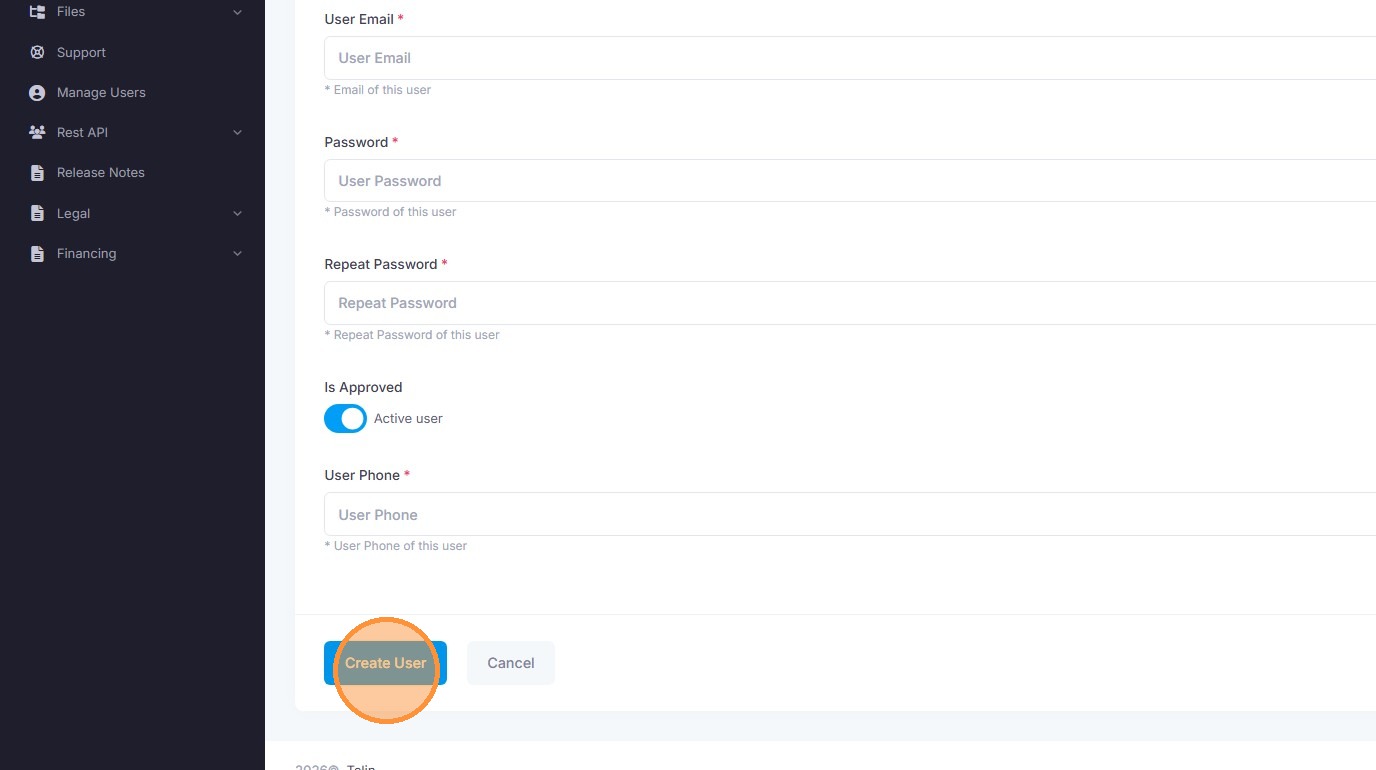
How to Add a New User in Telin Console
This guide provides a straightforward process for administrators to register new team members within the Telin console. By following these steps, you can quickly expand your user base and manage platform access effectively.
1. Navigate to https://console.telin.one/
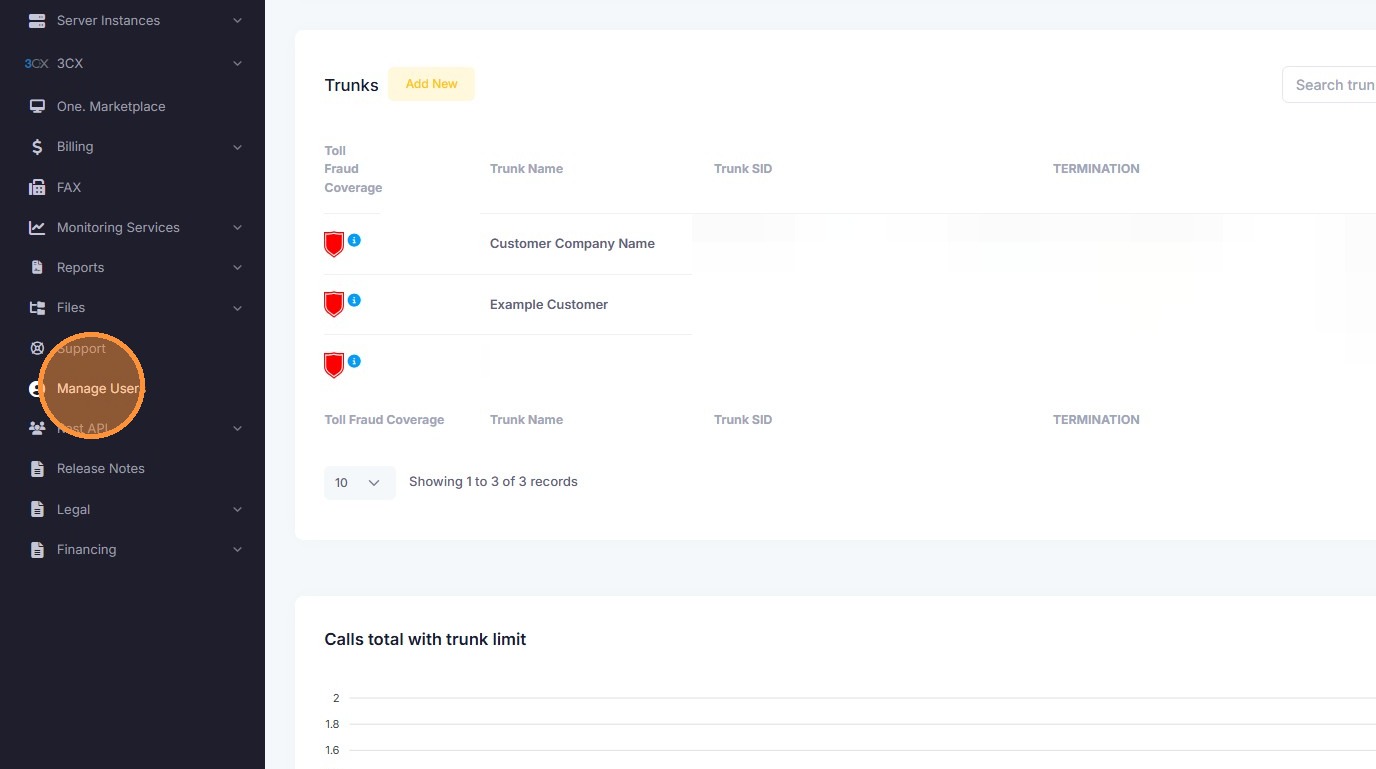
2. Select "Manage Users" from sidebar
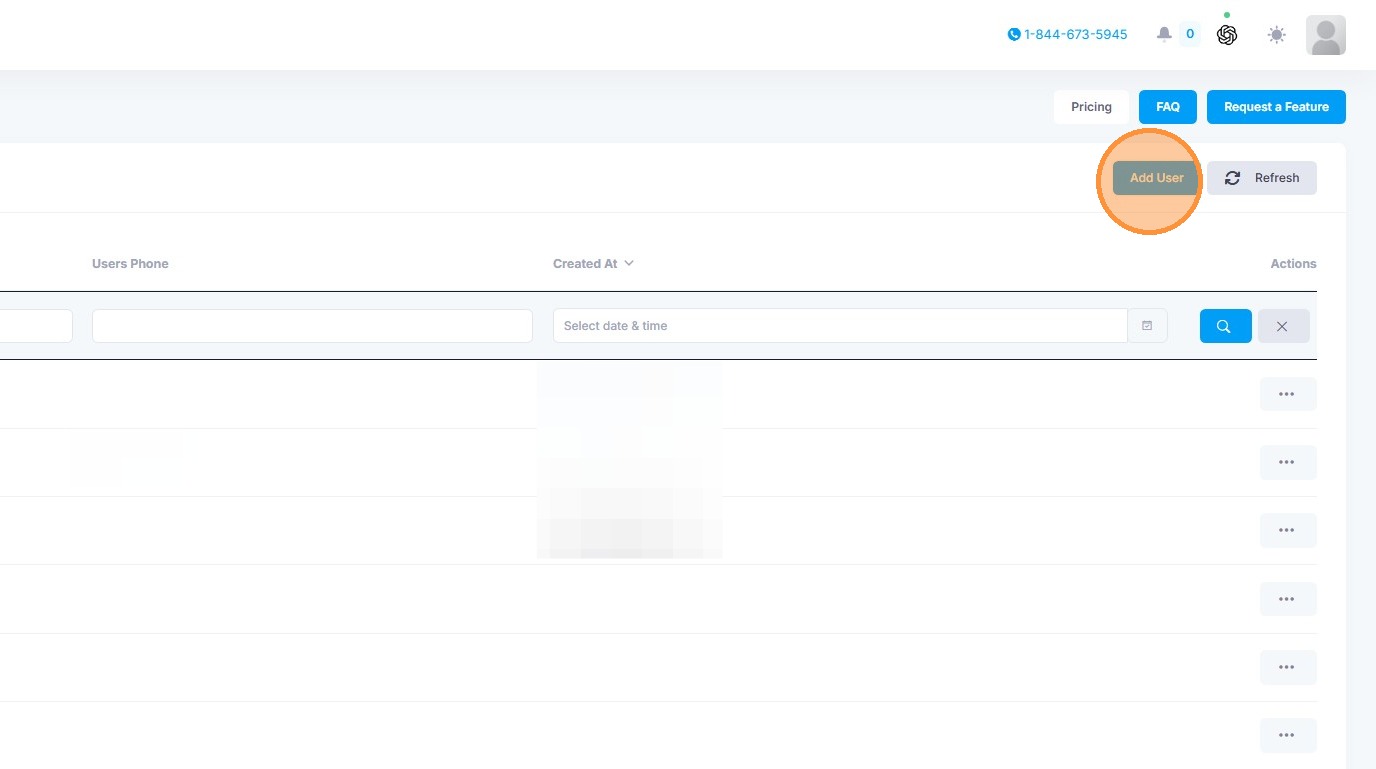
3. Click "Add User"
4. Fill in information and than click "Create User" to save new user