How to Enable Megaport X-connect for Telin SIP Trunks
Learn how to activate the Megaport X-connect feature for your SIP trunks using the Telin console. This guide provides a quick walkthrough of the necessary navigation steps to update your trunk settings and submit the changes successfully.
1. Navigate to https://console.telin.one/
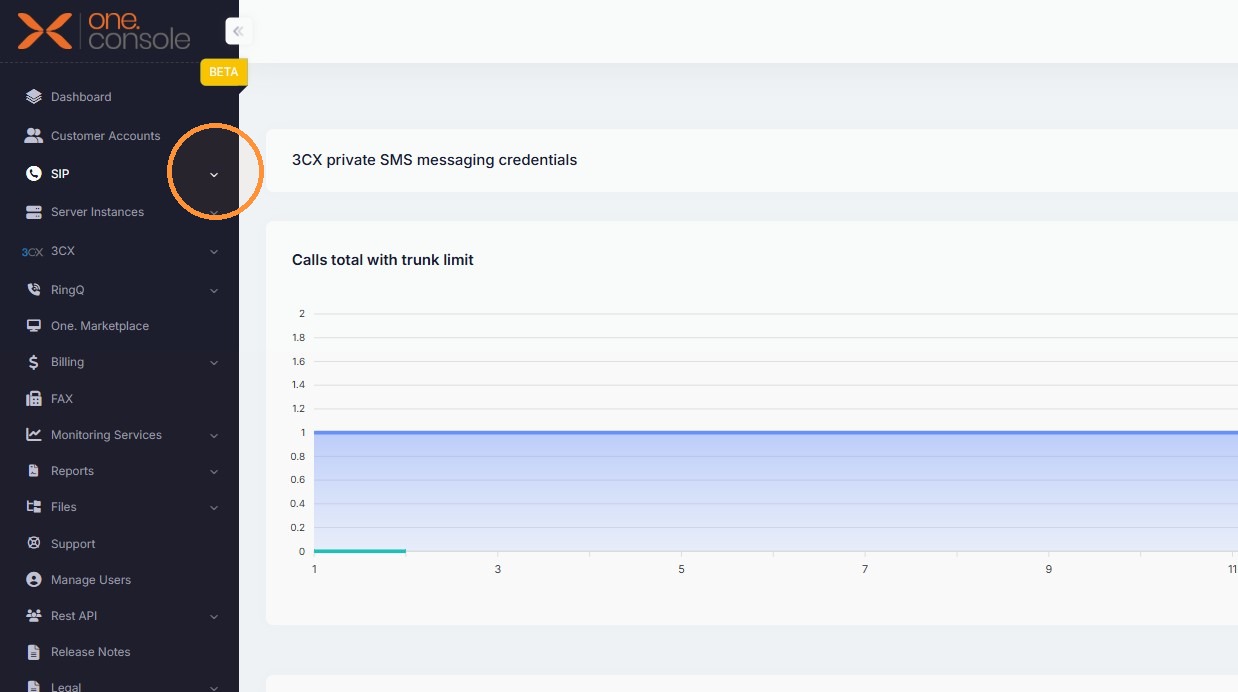
2. Expand the SIP Trunks menu
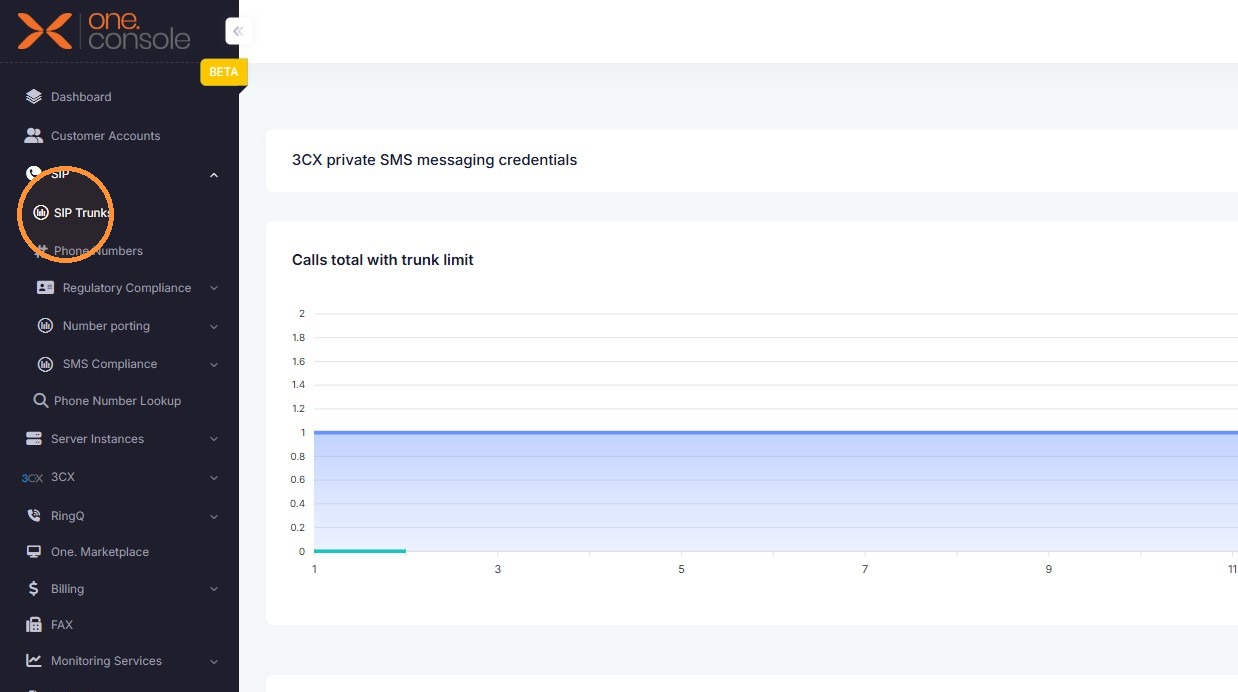
3. Click "SIP Trunks"
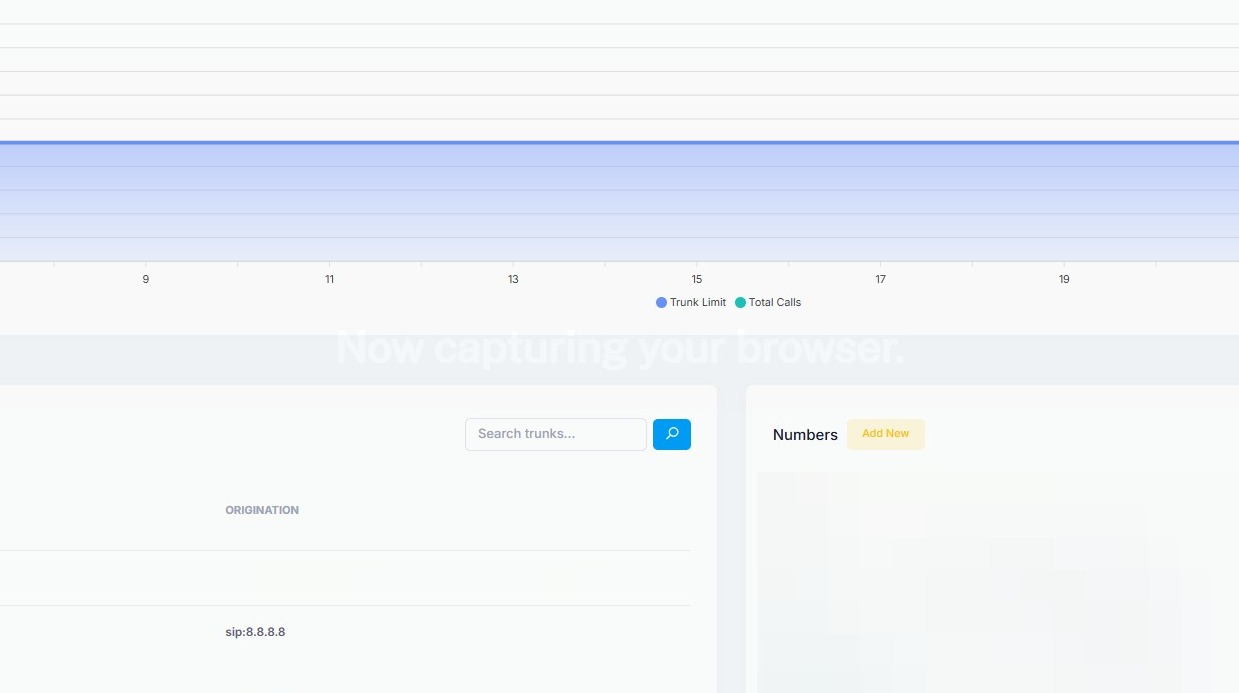
4. Open the trunk actions menu
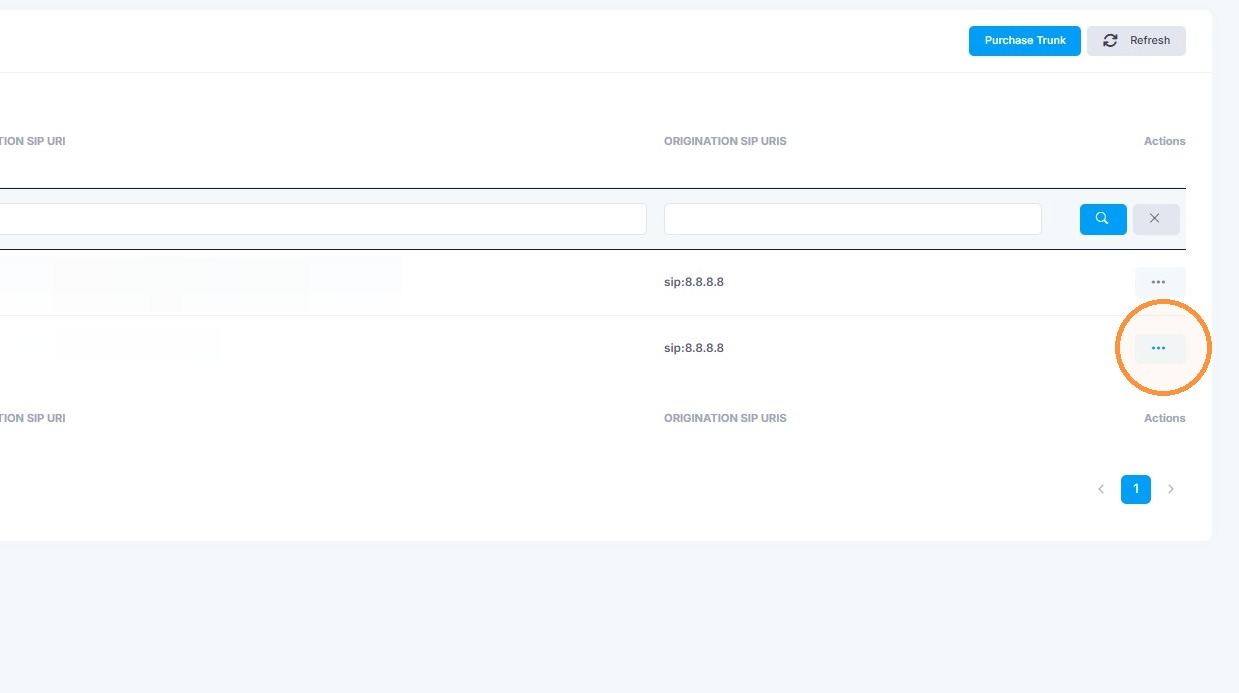
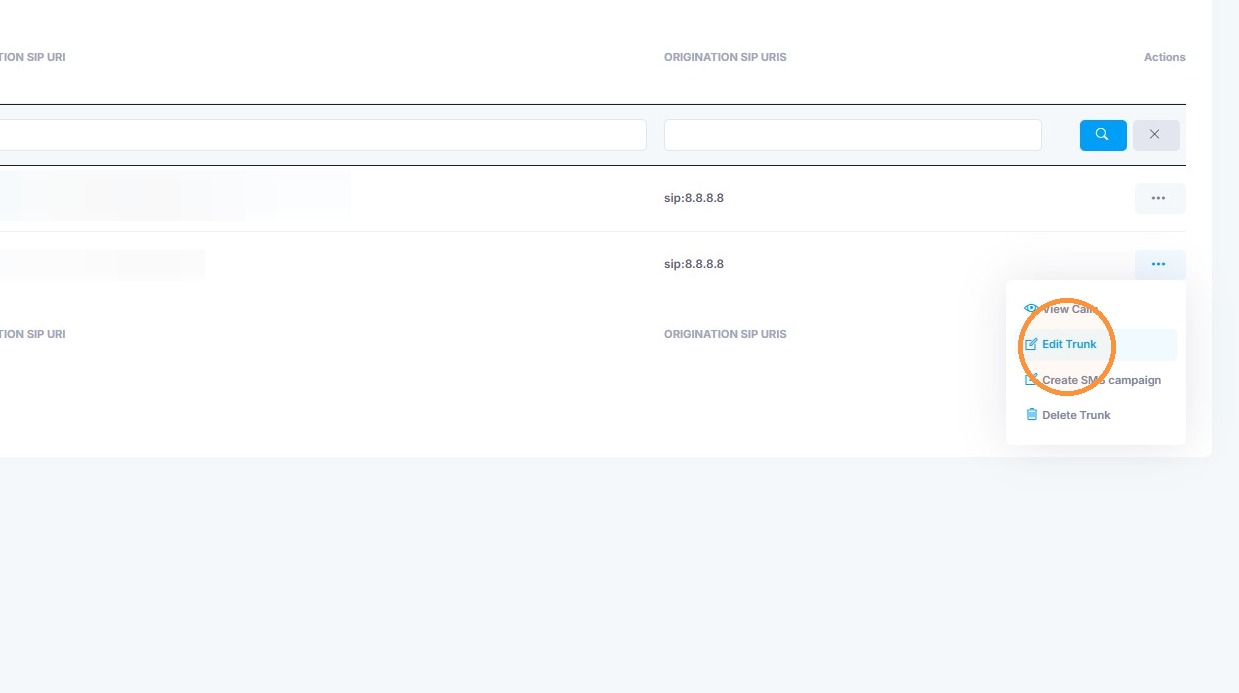
5. Click "Edit Trunk"
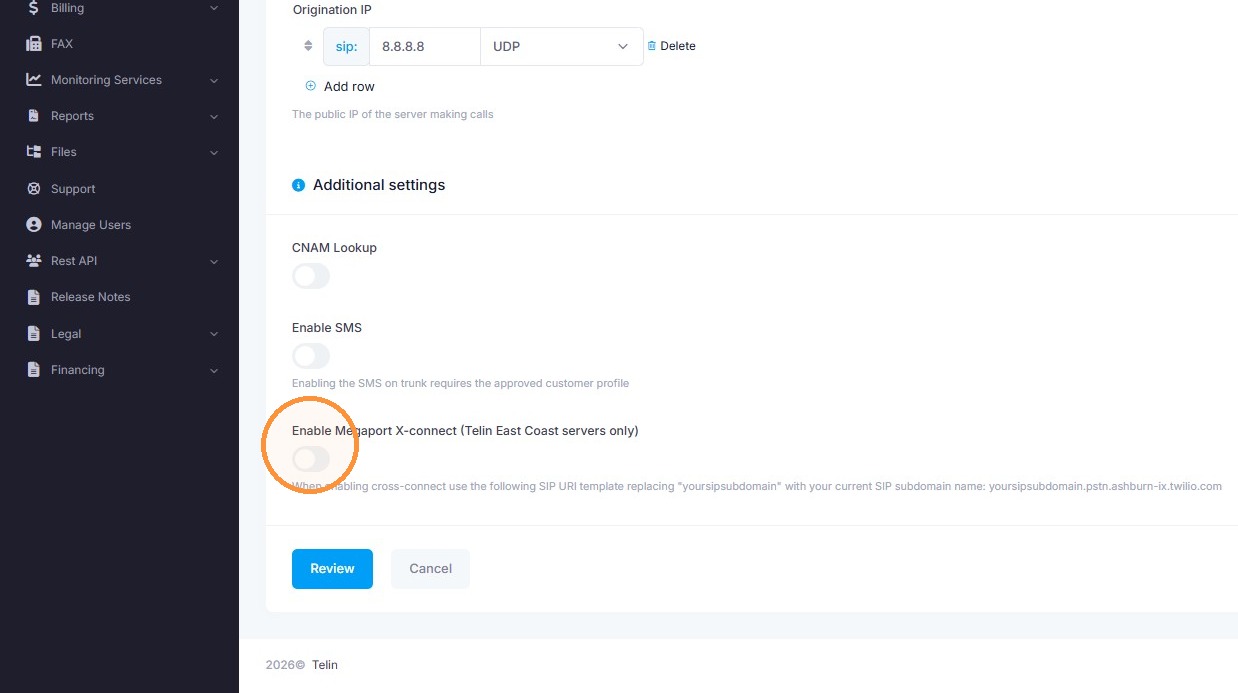
6. Enable the "Enable Megaport X-connect (Telin East Coast servers only)" toggle
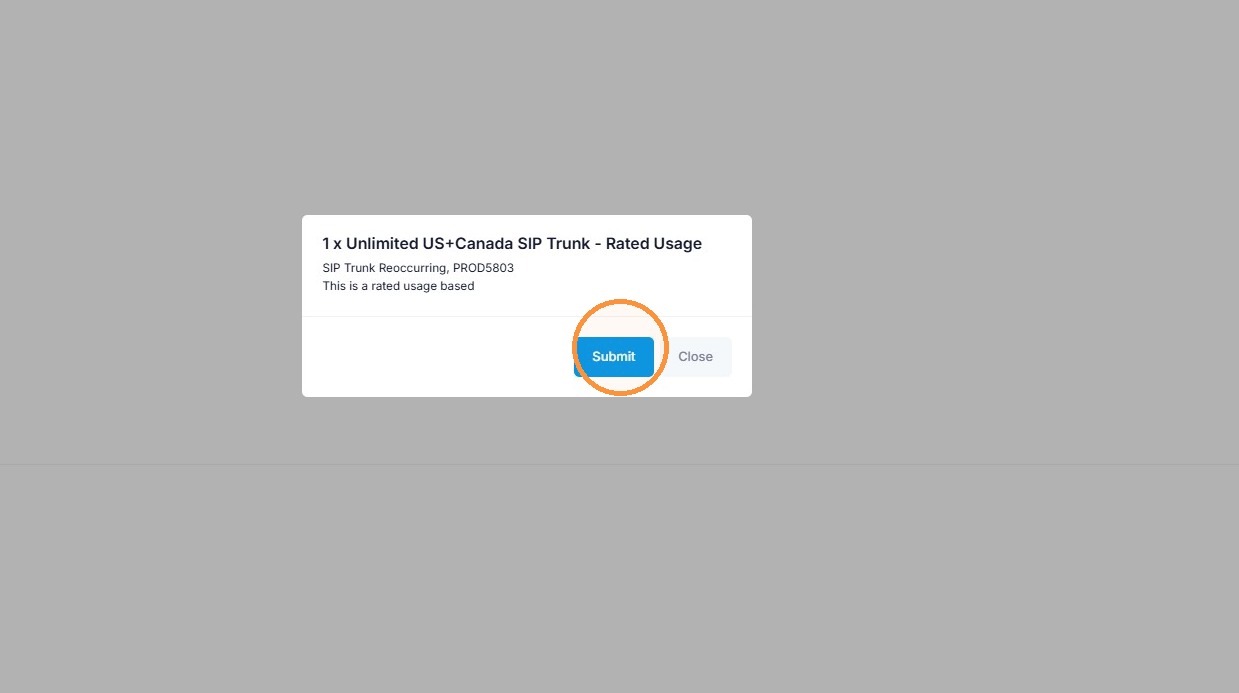
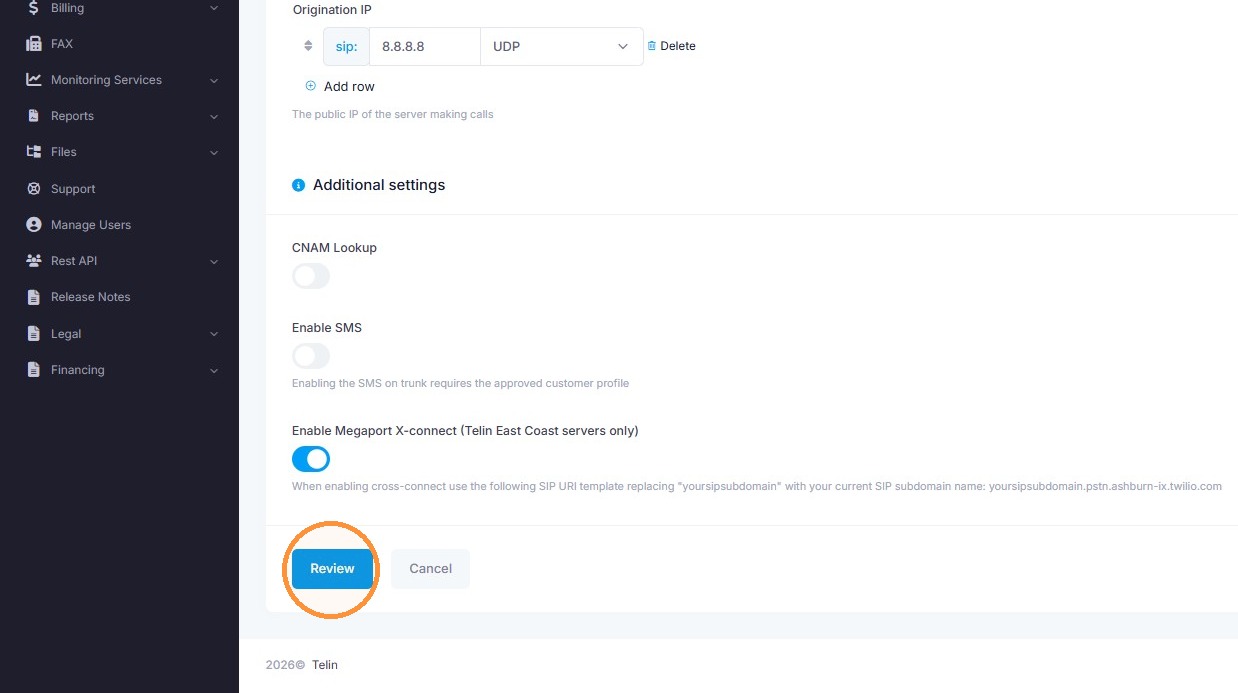
7. Click "Review"
8. Click "Submit"